
Recording App to Knowledge Engine – The Journey Continues
From Woohoo to Zen Manifesto: Coding an App That Helps Me Think, Instead of Grabbing My Attention

This was transcribed from a voice recording, preserving the my authentic tone, thought process, and stream-of-consciousness style with ZenMemo (when I first started building my app in November 2024.
Woohoo! Just finished a big step in the prototype of ZenMemo.
I can now load all the recordings directly on their own page, everything works great, and the design is polished up nicely. This is a huge success, and honestly, it feels like the perfect note to end today’s session on.
What’s Next: The Real Magic Begins
The next steps are where things get really exciting – we’re talking about implementing all the smart AI stuff. This is what will transform this from just another recording app into something truly valuable: a knowledge extraction engine from your own brain.
Imagine an app that helps you organize your thoughts, structure your life, and make better decisions – personally, socially, professionally, privately. Basically, everything that matters.
The AI Advantage: Moving at Light Speed
Programming all this with AI assistance from Cursor makes me move 10 times faster – if not 100 times faster – than anything I could accomplish coding solo. It’s incredible how it lets me focus on the macro problems instead of getting bogged down in details.
I’ve learned something crucial about myself: when I focus on the details, I get stuck. I overthink code structure, design choices, and implementation details that don’t actually matter for the MVP. Right now, I just want to test the core idea, get it out there, and start using it myself.
But here’s the trap – whenever I encounter an issue, the programmer in me wants to solve it perfectly and elegantly. “How can I make this more sophisticated?” I ask myself. But here’s what I’ve discovered: by trying to be too clever, I often introduce more problems than I solve.
When I try to be too elegant, the AI has to understand what the heck I’m doing instead of me working with what the AI does naturally. If the AI has to decode my clever patterns, giving it instructions becomes exponentially harder.
Learning to Trust the AI’s Wisdom*
The AI has learned from millions – billions – of lines of code. It has internalized best practices that, while they might not be my best practices, are built on an enormous body of collective programming knowledge. When I try to interfere with that wisdom, I often just slow everything down.
I spent multiple days recently fighting against using an ORM, only to end up writing my own micro ORM anyway – exactly what I didn’t want to do! All I really need is to fetch stuff from the database and display it. No complex ORM, just direct database access and manipulation. That’s so much simpler.
ORMs solve certain problems, but they introduce so many others that aren’t value-add for the app itself – just complexity and overhead that isn’t worth it for an MVP.
Design Reality Check
Working with AI helps me focus on what matters and not sweat the small stuff. Even with the design – am I completely happy with how it looks? Not yet. But for the time it took to build, I’m actually thrilled. It’s incredibly functional.
I was initially very skeptical about Tailwind CSS because I love the power and flexibility of raw CSS. You can do everything with CSS and make it 100 times more sophisticated and specialized than Tailwind’s utility classes.
But for rapid prototyping with AI? Tailwind is genius. It’s organized in such a smart way that AI can pick it up easily, and you don’t have to write any CSS or worry about maintaining it. The predefined classes are powerful out of the box. I don’t even have a single custom CSS file – well, I have an `app.css`, but all it does is import Tailwind. That’s it.
This is all really, really freaking amazing, and I’m so happy about the progress.
The Big Question: Will This Actually Help Anyone?
I’m still not entirely sure how much value this app will provide to other people. The initial idea was always to build something for myself – to enhance my own productivity, help me structure my thoughts and tasks, and cope with the complexities of life.
But this ties into something bigger I’ve been thinking about for years. Actually, I want to write an article about this – an article that’s been 10 years in the making.
The Zen Manifesto: A 10-Year Vision
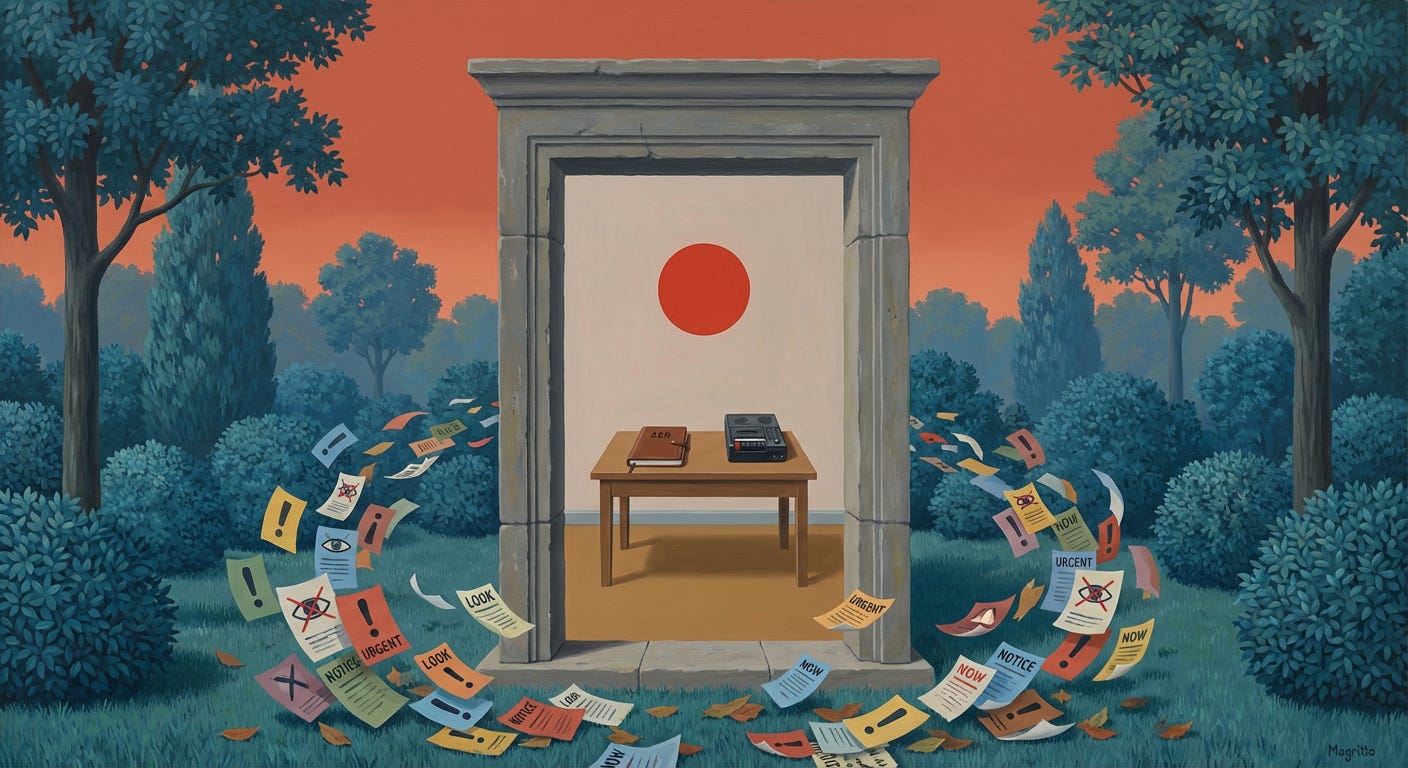
I call it The Zen Manifesto, and it describes my belief that technology should help us accomplish the tasks we want to accomplish, instead of manipulating us into doing what the app producer or company wants us to do.
Think about it: how often do you open an app with a specific intention, only to get distracted by whatever the app throws at you on the first page? They’re trying to grab your attention and use it against you by showing something interesting but ultimately distracting.
Sometimes I forget why I even opened the app in the first place. Then 10 minutes – or an hour – later, I remember: “Oh shite, that’s what I wanted to do!” And this freaking app distracted me from the one thing I wanted to accomplish.
The Zen Manifesto is about creating a movement that focuses on building apps that help you accomplish what you want to accomplish – apps that never try to distract you or push their own dark patterns on you.
I even want to create a community-driven database of “zen apps” – apps that let you get into flow and never distract you. Many professional apps already work this way, and there are tons of great open source apps that are just perfect: you open them for one thing, you do the thing, and they never distract you.
Redefining Design → Be helpful, not pretty
When people talk about design, they usually mean something that looks pretty or fancy. But that’s not what design is about for me – and it’s not in most serious definitions of design either.
Design can be delightful without being pretty. Design is about helping users accomplish their goals in a fast, smart, efficient way. That’s why I see these fancy-looking apps that non-designers rave about as “great design,” when often it’s all smoke and mirrors. It looks great, but it’s not usable. Or it makes things more complicated.
It reminds me a bit of Apple. People always say Apple has great design (and they usually do), but then something like the Apple mouse comes along – you can’t even use it while it’s charging! That’s terrible design, even though it looks sleek.
Or consider how Apple has removed so many useful ports from MacBooks over the years in the name of “design.” When everything moved to touch interfaces with the iPhone, it worked great. But we lost something important in the process: haptic design.
The future I’m excited about combines good haptic design with good visual design – creating interfaces you can use without even looking at them because the physical feedback tells you everything you need to know.
My Hope for This App
I hope this app will be part of a movement toward making people more powerful and focused, instead of distracting them from what they want to accomplish.
Anyway, that’s my ramble. Thanks for listening – even though nobody’s actually listening. I’m just trying out my app.
Good stuff.